Pick the guide that matches your role
Every page says who it is for in its first line.
You run a deployment
Admin guide
Install it, connect a source and an AI provider, and keep it healthy.
What Hephaestus does
Specific feedback on how the work was done
Practice feedback
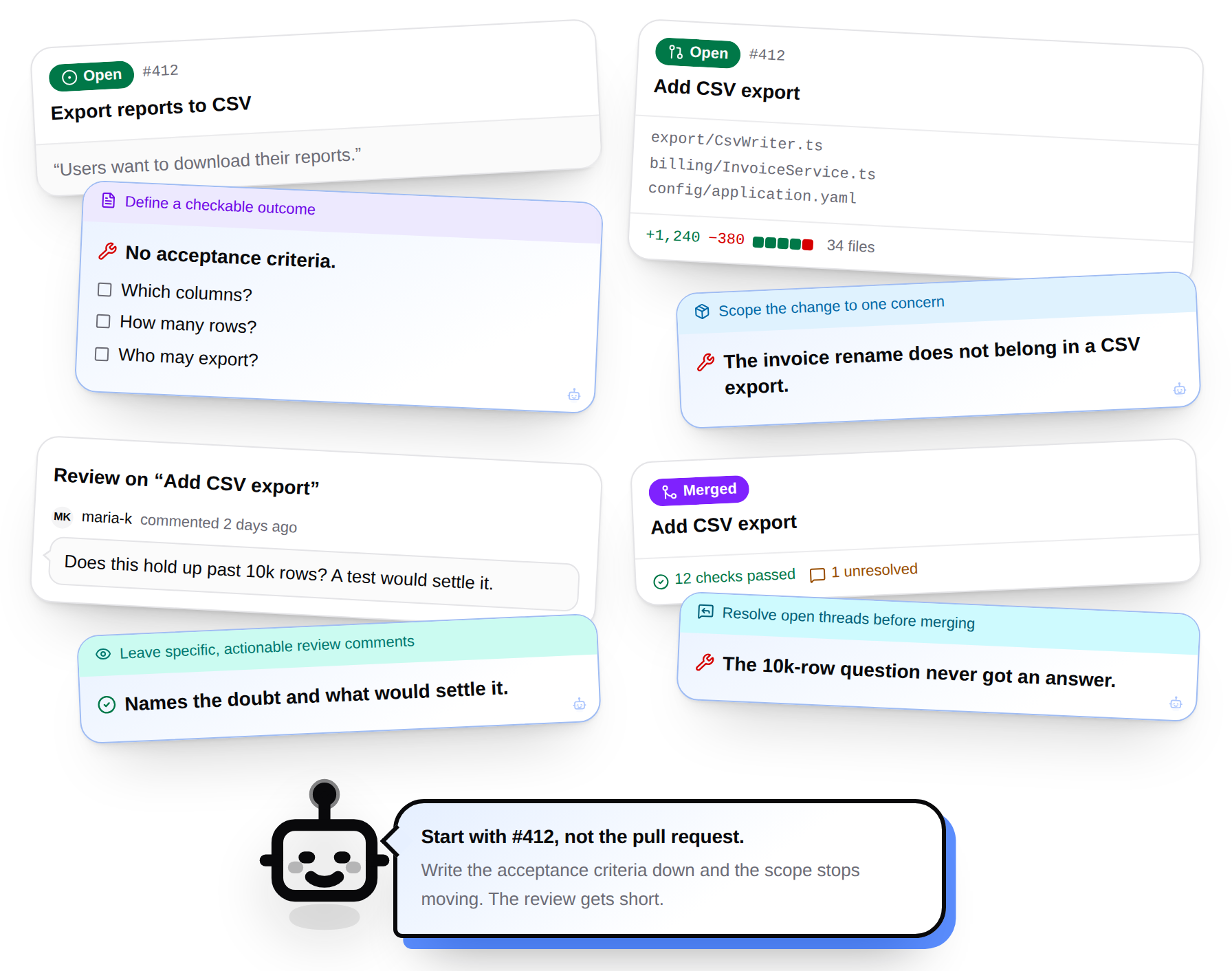
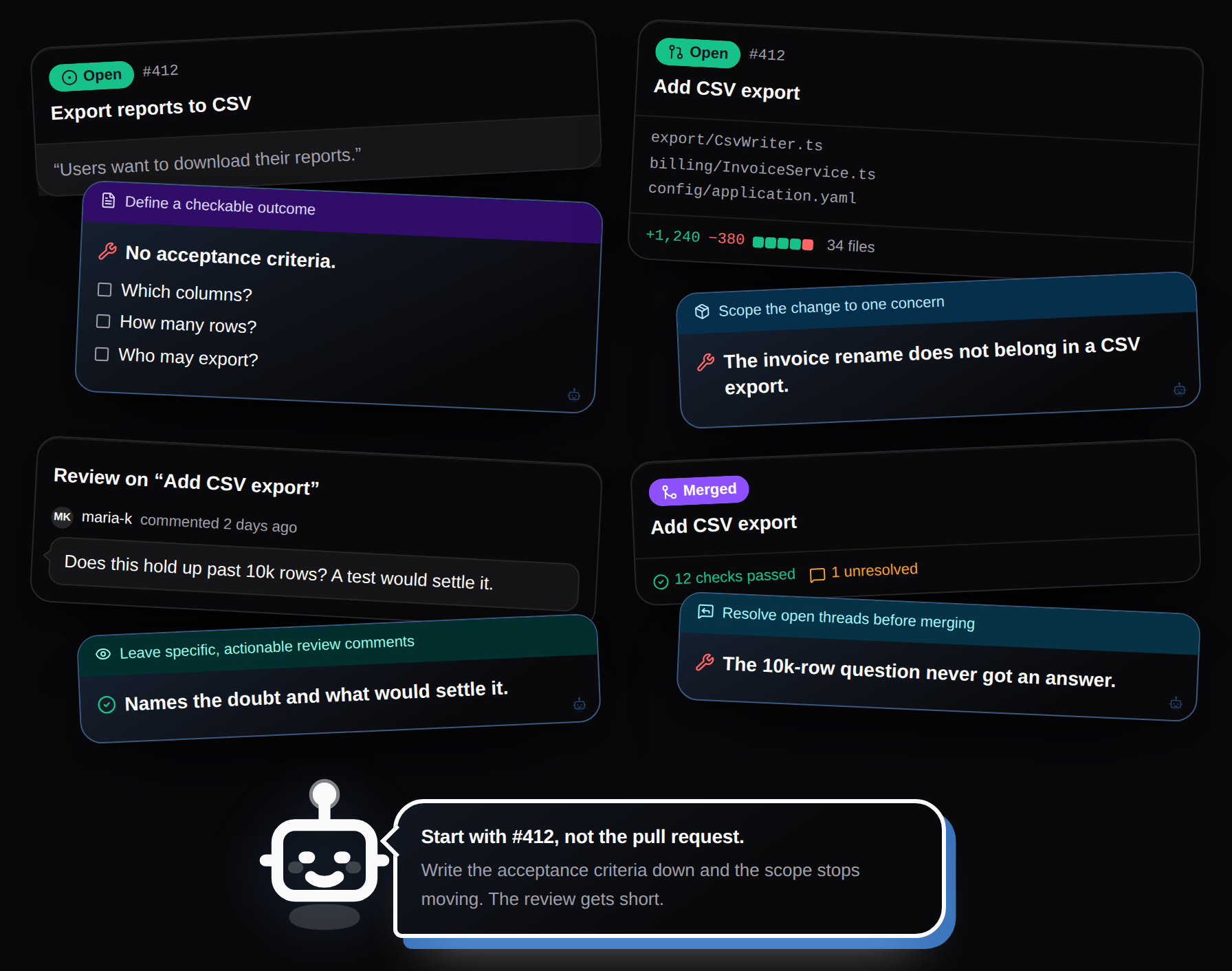
Hephaestus can review pull requests, merge requests, and issues against the engineering practices chosen for a workspace. Feedback links back to evidence in the work.
- Points to evidence in the work
- Names the missing decision or working-practice gap
- Suggests a concrete next step
Talk through feedback and recent work
Chat with Heph
Heph can use recent project activity and feedback you have received as context.
- Ask a question about a recent change
- Question a suggestion or compare possible next steps
- Use the web app or a Slack direct message
Your repositories, practices, and settings
Workspace controls
Workspace admins choose the source repositories, project context, practice catalog, and AI model.
- Connect GitHub or GitLab
- Add selected Slack channels and Outline documents as context
- Manage members and teams